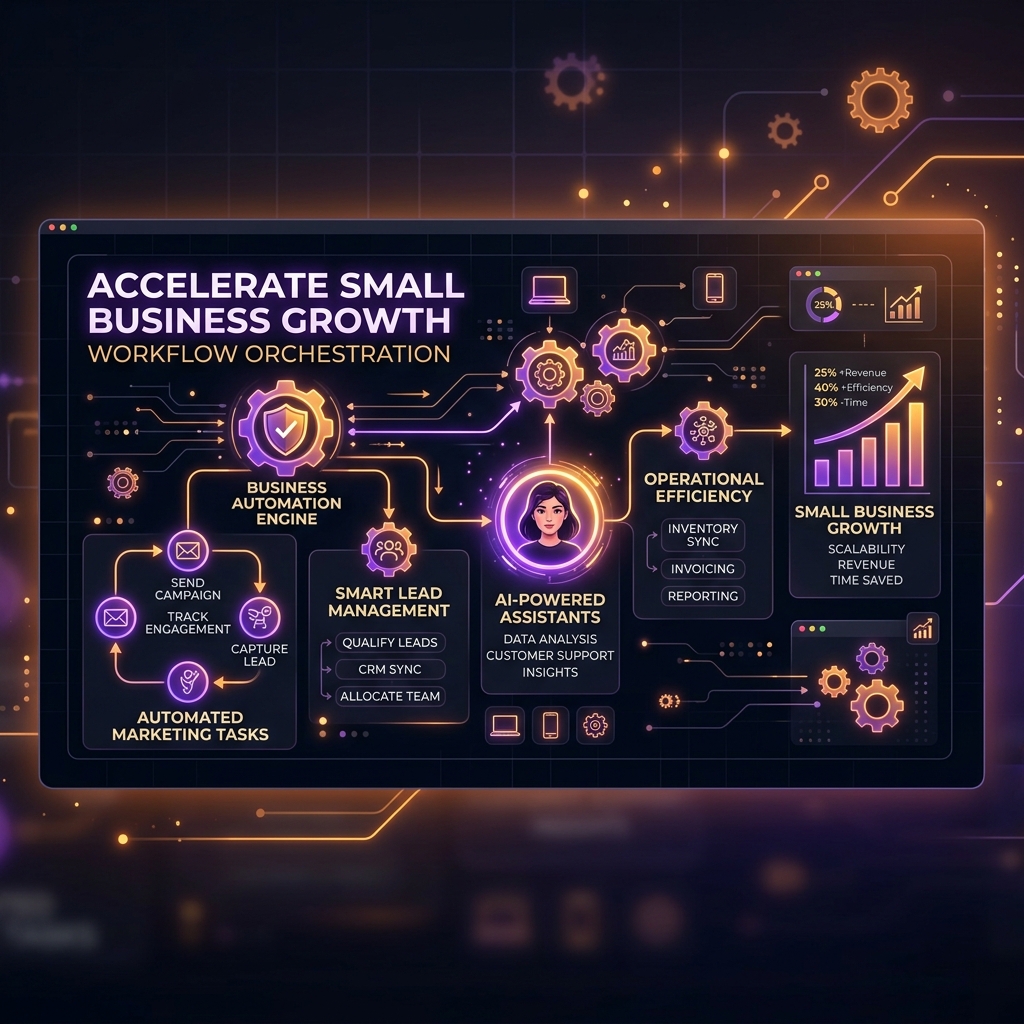
Why Automation Is Essential for Scaling Small Businesses

Running a small business often means doing many things at once. You may be handling customer inquiries, managing leads, sending emails, creating invoices, updating records, monitoring your website, and still trying to grow the business.
As the business grows, doing all of these tasks manually becomes difficult.
This is where small business automation becomes important.
Automation allows businesses to handle repetitive tasks with less manual effort. Instead of spending hours on routine work, teams can use technology to create workflows that handle these processes automatically.
For a growing business, automation is not just about saving a few minutes here and there. It can help create a more organized operation, reduce repetitive work, improve consistency, and give employees more time to focus on customers and business growth.
In this guide, we will look at why automation is becoming essential for small businesses and which areas can benefit the most from it.
What Is Small Business Automation?
Small business automation means using software and technology to perform repetitive business tasks with little or no manual intervention.
These tasks can include:
- Sending emails
- Managing customer information
- Following up with leads
- Generating reports
- Scheduling appointments
- Managing invoices
- Organizing sales pipelines
- Monitoring websites and servers
- Sending notifications
- Updating business records
For example, imagine a customer submits a form on your website.
Without automation, someone may need to check the form, copy the customer's details into a system, send a response, assign the lead to a salesperson, and remember to follow up later.
With automation, these steps can happen through a predefined workflow.
The goal is simple: let technology handle repetitive work while your team focuses on work that requires human judgment.
Why Automation Matters for Growing Businesses
Small businesses usually work with limited resources.
A growing company may not have a large team for sales, marketing, administration, IT, and customer support. This means employees often have to handle multiple responsibilities.
Automation helps reduce this pressure.
Instead of hiring additional people for every repetitive task, businesses can automate suitable workflows and allow existing employees to spend more time on valuable activities.
For example, a sales team could spend less time manually organizing prospects and more time speaking with qualified customers.
Similarly, an IT team can use automation to simplify routine infrastructure management instead of checking the same systems manually every day.
Automation therefore becomes a way to scale operations without making every process more complicated.
1. Automation Saves Valuable Time
Time is one of the most important resources for a small business.
Many everyday tasks are repetitive. Employees may perform the same actions hundreds of times every month.
Examples include:
- Copying customer information
- Sending standard emails
- Updating spreadsheets
- Creating routine reports
- Moving leads between stages
- Sending reminders
- Checking system status
Individually, these tasks may only take a few minutes.
But when repeated every day, the total time can become significant.
Automation can handle many of these repetitive actions automatically.
This gives employees more time to focus on activities such as:
- Customer relationships
- Product development
- Sales conversations
- Strategy
- Problem solving
- Business development
The benefit is not simply "working faster."
It is using employee time where it creates more value.
2. Automation Reduces Repetitive Manual Work
Manual processes can become difficult to manage as a business grows.
Consider a simple lead management process.
A new lead comes in.
Someone has to:
- Check the lead.
- Enter the information.
- Categorize the lead.
- Assign it to a salesperson.
- Send a follow-up message.
- Update the sales pipeline.
If the same process happens dozens or hundreds of times, manually managing every step can become inefficient.
A workflow automation system can connect these actions.
For example:
New Lead → Lead Qualification → Assignment → Follow-Up → Sales Pipeline
Once the workflow is configured, repetitive steps can happen automatically.
This allows employees to focus more on the actual sales conversation instead of administrative work.
3. Automation Helps Improve Business Consistency
When a process depends entirely on people remembering every step, mistakes can happen.
Someone may forget to send a follow-up email.
Another employee may update a record differently.
A task may be completed late.
Automation can help create a consistent process.
For example, when a new customer submits an inquiry, the business can automatically:
- Record the customer's information
- Notify the relevant team
- Send an acknowledgement
- Create a follow-up task
- Update the customer pipeline
The exact workflow depends on the business, but the principle remains the same.
A defined automated workflow makes repetitive processes more predictable.
4. Automation Can Improve Lead Management
For businesses that depend on sales leads, managing prospects efficiently is extremely important.
As the number of leads increases, manually reviewing and organizing every prospect can become difficult.
This is where automation can support the sales process.
A business can create workflows for:
- Lead collection
- Lead qualification
- Lead scoring
- Prospect organization
- Follow-up reminders
- Sales pipeline updates
- Customer communication
For example, a lead generation platform can collect business information and organize prospects so that sales teams can spend more time evaluating potential customers.
VoidOnyx also provides tools designed around business workflows, including its Lead Generator platform for discovering and managing business prospects.
The important point is that automation should support the sales team—not replace human decision-making.
5. Automation Helps Businesses Respond Faster
Customers expect businesses to respond quickly.
If someone submits an inquiry and receives no response for several hours or days, they may move on to another company.
Automation can help businesses respond immediately to common actions.
For example:
Customer submits inquiry → Automatic acknowledgement → Team notification → Follow-up task
The customer receives confirmation quickly while the relevant employee gets notified.
This does not mean every customer interaction should be automated.
Important conversations still require a human response.
Automation simply makes sure that basic processes do not get delayed because someone was busy with another task.
6. Automation Makes Scaling Easier
This is one of the biggest reasons automation matters.
Imagine a company handling 20 customer requests per day.
A manual system might work reasonably well.
Now imagine that number increases to 200 requests per day.
The company cannot simply expect employees to perform ten times more repetitive work.
This is where scalable workflows become important.
Automation allows businesses to design processes that can handle increasing workloads without requiring every step to be performed manually.
For example:
Small workload:
10 leads → Manual processing
Growing workload:
100 leads → Automated lead organization + human review
Larger workload:
1,000 leads → Automated workflow + qualification + human sales engagement
The exact setup depends on the business, but the idea is simple:
Growth should increase opportunities, not repetitive workload.
7. Automation Can Reduce Operational Costs
Automation does not mean eliminating employees.
Instead, it helps businesses use their existing resources more efficiently.
When employees spend less time on repetitive administrative tasks, the business can get more value from the same team.
For example, instead of having an employee spend several hours every week preparing routine reports, the business could automate data collection and reporting.
That employee can then spend the saved time on customer support, sales, or other important work.
Over time, these small improvements can make a meaningful difference to business operations.
8. Automation Helps Organize Business Data
Growing businesses often deal with information from many different sources.
For example:
- Website forms
- Customer records
- Sales leads
- Emails
- Invoices
- Support requests
- Marketing campaigns
If this information is handled manually across different spreadsheets and systems, it can become difficult to maintain.
Automation can connect different steps of a workflow and help keep information organized.
A simple example could be:
Website Form → Customer Record → Sales Pipeline → Follow-Up
Instead of manually transferring the same information between systems, automation can reduce unnecessary data entry.
This can also make it easier for teams to find the information they need.
9. Automation Is Useful for IT and Infrastructure
Automation is not limited to sales and marketing.
Small businesses also have technical responsibilities.
Websites, applications, databases, email services, domains, and servers all require management.
For businesses managing their own infrastructure, automation can simplify routine tasks and provide a more centralized way to manage services.
For example, VoidPanel can act as a management layer for hosting infrastructure, allowing businesses to manage different hosting-related services from a central interface.
This is particularly useful when a business begins with a small setup but gradually needs to manage more websites, applications, databases, or server services.
The broader lesson is that automation should cover not only customer-facing processes but also the systems supporting the business behind the scenes.
10. Automation Supports Better Customer Experiences
Automation should never make a customer feel like they are dealing with a machine at every step.
Instead, good automation should remove unnecessary delays and make the customer journey smoother.
For example:
Customer Action -> Automated Confirmation -> Internal Team Notification -> Human Follow-Up
This combination works well because automation handles the routine part while employees handle the personal interaction.
Businesses can therefore provide faster service without removing the human element.
AI and Automation: What's the Difference?
AI and automation are often mentioned together, but they are not exactly the same.
Automation generally follows predefined rules.
For example:
When a customer submits a form → send an acknowledgement email.
AI can handle more complex tasks involving analysis or interpretation. For a broader explanation of artificial intelligence, you can refer to IBM's overview of AI.
For example:
Analyze incoming leads → identify relevant prospects → organize them based on selected criteria.
Modern business systems increasingly combine both.
This creates workflows where automation manages the process while AI helps with tasks that require analysis.
For small businesses, this combination can be especially useful because it can reduce repetitive work while helping teams process larger amounts of information.
Where Should a Small Business Start With Automation?
You do not need to automate everything on day one.
In fact, trying to automate every process immediately can make things more complicated.
A better approach is to start with repetitive tasks.
Step 1: Find repetitive work
Ask:
- Which tasks are performed every day?
- Which tasks take the most employee time?
- Which tasks follow the same steps repeatedly?
Step 2: Identify bottlenecks
Find processes where work gets delayed.
For example:
- Lead follow-ups
- Customer responses
- Invoice processing
- Report generation
- Data entry
Step 3: Start with one workflow
Choose one process and automate it first.
Measure the result before moving to another process.
Step 4: Keep human involvement where necessary
Not every decision should be automated.
Customer complaints, important sales conversations, financial decisions, and strategic decisions may still require human judgment.
Step 5: Improve the workflow over time
Automation is not a one-time project.
As the business changes, workflows should also be reviewed and improved.
A Simple Example of Business Automation
Let's take a small digital agency as an example.
Before automation:
Website inquiry
→ Employee checks email
→ Copies information into spreadsheet
→ Sends response
→ Notifies salesperson
→ Creates reminder
→ Updates sales pipeline
Now consider an automated workflow:

The salesperson can now focus on understanding the customer's requirements rather than managing administrative steps.
This is the real value of automation.
Common Mistakes Businesses Should Avoid
Automation is powerful, but it should be implemented carefully.
Automating a Bad Process
If a process is already confusing, automating it will not automatically fix it.
First simplify the process, then automate it.
Automating Everything
Some activities require human judgment.
Don't automate a process simply because it is possible.
Ignoring Customer Experience
Automation should make interactions easier, not colder or more complicated.
Using Too Many Tools
A business can end up with dozens of disconnected tools.
Choose systems that work well together and keep the overall workflow manageable.
Not Reviewing Automated Workflows
Business processes change.
Review your automation regularly to make sure it still works as expected.
How Automation Can Prepare a Business for Growth
A small business may start with a few employees and a manageable number of customers.
As it grows, the amount of information and work increases.
Without automation, businesses may eventually find themselves adding more manual processes to handle that growth.
With well-designed automation, many routine processes can scale alongside the business. The U.S. Small Business Administration (SBA) provides guidance on using technology to improve small-business operations.
The goal is not to remove people from the process.
The goal is to create a system where people spend more time doing meaningful work and less time repeating the same tasks.
That is what makes automation valuable for growing businesses.
Final Thoughts
Automation is no longer something only large enterprises need.
For small businesses, it can be a practical way to save time, reduce repetitive work, organize operations, improve response times, and prepare for growth.
The best approach is to start small.
Identify one repetitive process, improve it, automate it, and measure the result.
Then move to the next process.
Whether it is lead generation, customer communication, sales management, reporting, or IT infrastructure, the right automation can help a small business operate more efficiently without adding unnecessary complexity.
At VoidOnyx, we believe business technology should make everyday operations simpler and more manageable. As your business grows, the right combination of automation, infrastructure, and digital tools can help you spend less time managing repetitive tasks and more time building the business.
Start with one process. Automate what makes sense. Then scale from there.